Logitech C920s vs Anker PowerConf C200 in Canada: Which Webcam Fits Your Home Office?
Compare Logitech C920s and Anker PowerConf C200 webcams in Canada by 1080p vs 2K resolution, field of view, autofocus, microphones, privacy and desk fit.
10 min read
Work & Smart Living · Home Office
The Logitech C920s is the safer fit for straightforward 1080p video calls and a familiar USB-A desk setup; the Anker PowerConf C200 is the more flexible choice when you want 2K capture, adjustable field of view and AI-assisted microphone noise reduction. Neither automatically gives you a better meeting. Lighting, camera height, conferencing-app compression, network upload speed and microphone distance can matter as much as sensor resolution.
Quick Verdict
Choose Logitech C920s if you want a mature, simple Full HD webcam with a fixed 78° field of view, autofocus, dual microphones and a physical privacy shutter. Choose Anker PowerConf C200 if you value 2K capture, 65°/78°/95° framing choices, dual microphones with AI noise cancellation and software control over how much of your workspace appears on camera.
For most Teams, Zoom or Meet calls, the framing and lighting difference may be more visible than the jump from 1080p to 2K, especially after the meeting platform compresses the stream. Buy the C200 for control and flexibility, not because “2K” guarantees a twice-better call.
As an Amazon Associate, Hamejur may earn from qualifying purchases. This comparison is price-neutral; check Amazon.ca for current purchase details.
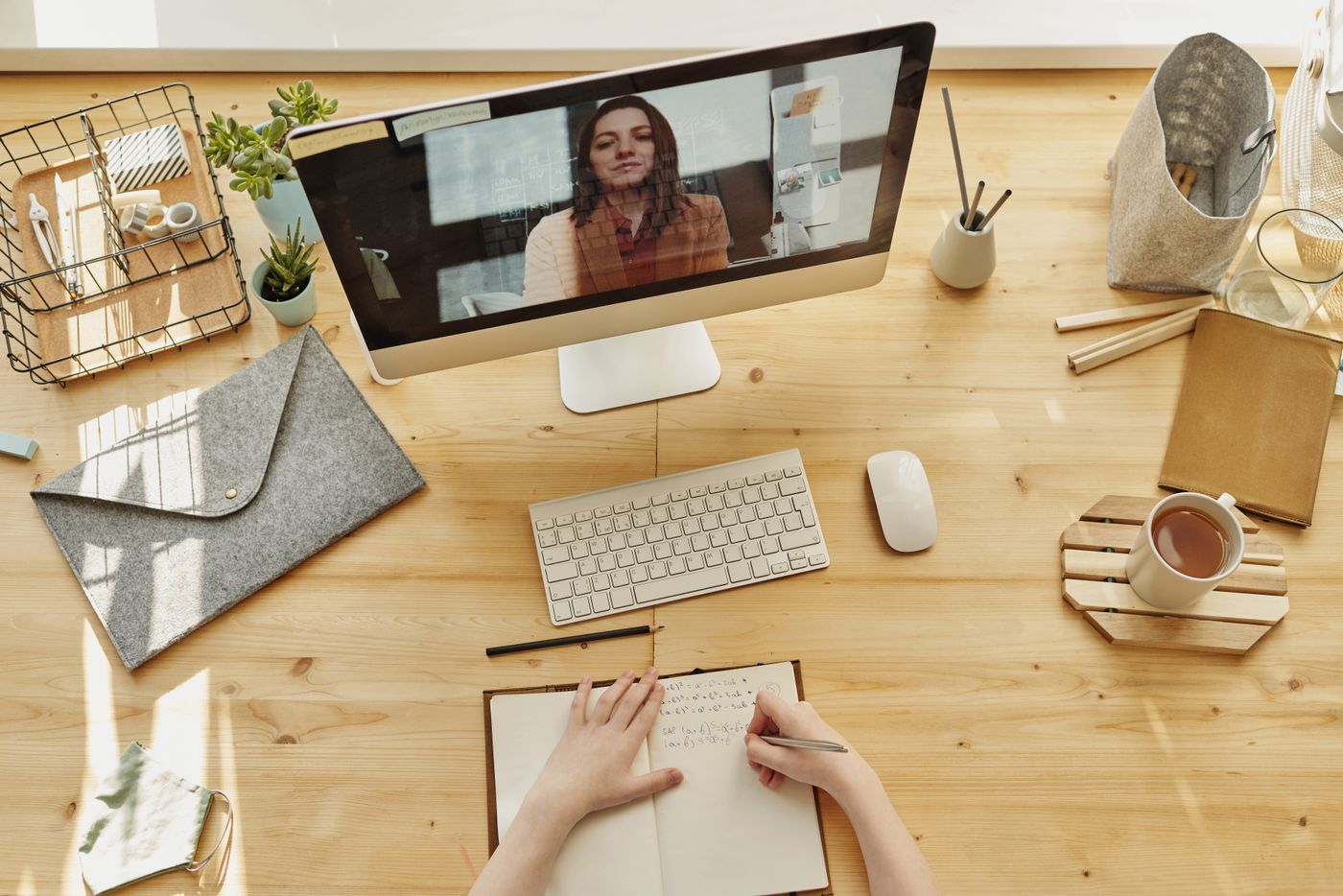
Webcam placement and desk context matter alongside resolution and microphone specifications. Stock photo via Pexels.
Products compared
Current picks at a glance
Price-neutral comparison based on verified product identity, official specifications, and buyer fit. Check Amazon.ca for current price and availability.
Best for: Straightforward one-person video calls on a conventional home-office desk
Why choose it: 1080p/30 capture, fixed 78° field of view, autofocus, dual microphones and a physical privacy shutter cover the core conferencing needs without much setup.
Watch out for: The field of view is fixed and 1080p tops out at 30 fps, so it offers less framing flexibility than the C200.
Best for: Home offices that need selectable framing, higher-resolution capture and more microphone processing
Why choose it: 2K capture, autofocus, 65°/78°/95° field-of-view choices and dual microphones with AI noise cancellation make it more configurable.
Watch out for: The practical 2K advantage depends on the meeting app and workflow, and taking full advantage of the framing options means using AnkerWork software.
Video
2K / 1440p class capture
Field of view
65°, 78° or 95° selectable
Audio/privacy
AI noise-cancelling dual mics + built-in privacy cover
Amazon.ca prices and availability can change. Hamejur does not publish cached marketplace prices in no-API mode.
At-a-glance decision table
Decision point
Logitech C920s
Anker PowerConf C200
Why it matters
Maximum video
1080p at 30 fps
2K / 1440p class
Higher capture resolution can help cropping and local detail, but meeting apps may transmit less.
Field of view
Fixed 78° diagonal
65°, 78° or 95° through AnkerWork software
A narrow frame hides room clutter; a wide frame can include a whiteboard or second person.
Focus
Autofocus
Autofocus
Useful when you lean toward the camera or hold up an object.
Microphones
Dual microphones
Dual microphones with AI noise cancellation
Built-in audio is convenient, but a headset or dedicated mic can still outperform either webcam.
Privacy
Physical privacy shutter
Built-in sliding privacy cover
Both provide a visible physical way to block the lens.
Best fit
Simple 1080p office calls
Flexible framing and higher-resolution capture
The useful difference is workflow, not just pixel count.
What matters most in a home-office webcam
Resolution is only one layer. A 2K camera can capture more image information, but if your meeting app sends a lower-resolution stream, the extra pixels are mostly useful for local cropping, software framing or recordings. A fixed 1080p camera can still look excellent when the lens is at eye level and your face is evenly lit.
Field of view changes the composition more directly. A wider angle can show more of the room, which helps for demonstrations or shared workspaces but can also make your face smaller and reveal background clutter. A narrower crop is often better for a single person at a desk. This is where the C200’s selectable 65°, 78° and 95° modes create a meaningful workflow difference from the C920s’s fixed 78° view.
How the camera systems differ
Logitech keeps the capture path simple
The C920s combines a five-element glass lens, autofocus, 1080p/30 capture, fixed 78° diagonal field of view and Logitech’s automatic light correction. The included privacy shutter is mechanical rather than software-only. Logitech also supports camera adjustment through Logi Tune.
Its biggest advantage is predictability: it is a conventional USB webcam designed around one-person conferencing. The trade-off is limited framing flexibility. You can digitally zoom or reposition in software, but you do not get the C200’s three selectable field-of-view presets or native 2K capture.
Anker gives you more framing control
Anker lists the PowerConf C200 at 2K resolution with autofocus and three software-selectable fields of view: 65°, 78° and 95°. Its dual microphones use AI noise cancellation, and the built-in privacy cover slides over the lens. Anker positions the C200 specifically for personal workspaces.
The extra flexibility helps if the same webcam serves multiple roles: narrow framing for calls, a wider view for showing a desk or another person, or higher-resolution capture for local recording. The caveat is that software control adds another layer to configure, and 2K does not guarantee your meeting service will deliver 2K to everyone else.
Product breakdowns
Logitech C920s Pro HD Webcam
Logitech’s C920 family has stayed relevant because its core specification fits normal desk conferencing: 1080p at 30 fps, autofocus, fixed 78° field of view and dual microphones. The C920s version adds the physical privacy shutter, which is useful in a permanent home-office setup where the camera remains connected all day.
The 78° view is a sensible middle ground for one person at normal monitor distance. It includes some shoulder and room context without pushing heavily into wide-angle territory. Automatic light correction helps with changing room conditions, but it cannot replace better placement of a lamp or window.
Best fit: buyers who want a proven, simple 1080p call camera and already have an easy USB-A connection path. Watch for: 30 fps ceiling at 1080p and fixed field of view.
Amazon.ca prices and availability can change. Check the product page for current purchase details.
Anker PowerConf C200
The C200’s practical advantage is configurability. Its 2K capture gives more source detail, while 65°/78°/95° framing lets you choose between a tight personal crop and a wider workspace view. The built-in cover gives the same visible privacy reassurance as Logitech’s shutter.
Anker also emphasizes audio processing. The dual microphones use AI noise cancellation, and the AnkerWork software lets you adjust camera behaviour. That may help in a room with keyboard or household noise, though microphone quality still depends heavily on distance and acoustics.
Best fit: users who want adjustable framing, higher-resolution capture or more microphone processing. Watch for: meeting-app compression and the need to configure software if you want to take full advantage of the variable field of view.
Amazon.ca prices and availability can change. Check the product page for current purchase details.
Scenario-based decision guide
You mostly join standard video meetings: C920s is enough for a clean 1080p workflow.
Your desk is close to a wall or you want less background visible: C200’s 65° option is useful.
You sometimes show a whiteboard, product or second person: C200’s 95° setting gives more framing flexibility.
You already use a quality headset microphone: ignore much of the microphone difference and choose based on image/framing needs.
You keep the webcam connected permanently: both physical privacy covers are useful; choose the one that better fits your camera and software workflow.
Desk setup and compatibility
Position the lens near eye level before changing software settings. A laptop stand or monitor-mounted camera can reduce the low-angle look that makes even an expensive webcam feel unflattering. Then place a soft light source in front of you rather than relying on a bright window behind the monitor.
Check your computer’s available USB ports and cable routing. The C920s is built around USB-A connectivity. The C200 uses a USB connection and Anker’s package documentation identifies a USB-C cable; confirm the host-side connection and adapters needed for your exact laptop before purchase. Avoid stacking unnecessary hubs or adapters when a direct port is available, especially if the webcam is unstable.
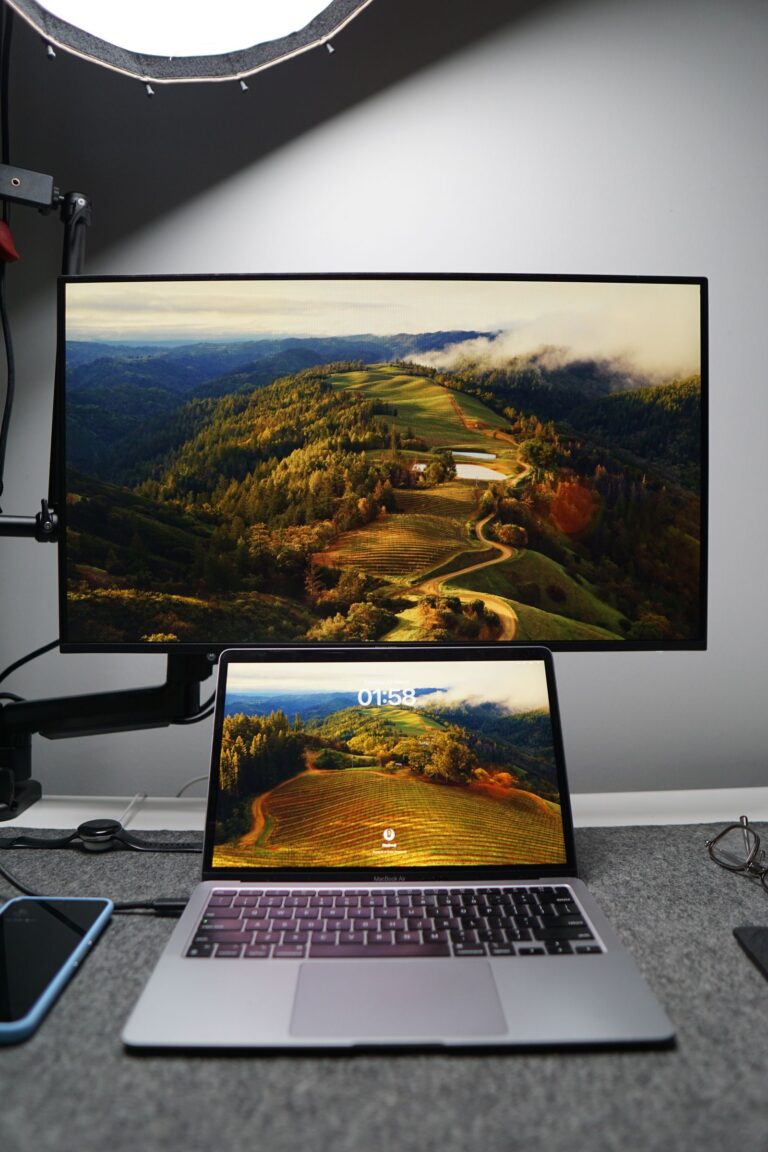
Real meeting quality depends on camera height, lighting, room acoustics and the conferencing platform as well as the webcam itself. Stock photo via Pexels.
Software, privacy and long-term use
Install only the vendor software you need. Logi Tune and AnkerWork can expose useful camera settings, but a webcam should still work as a standard video device for normal calls. Keep firmware and conferencing apps current, and re-check camera/microphone permissions after major operating-system updates.
A physical cover is useful because it gives a simple visual state independent of software. It does not mute the microphone, however. If microphone privacy matters too, disable or disconnect the audio device through the operating system or meeting app as appropriate.
Avoidable buying mistakes
Do not pay for resolution you cannot use. If every call is compressed to a modest stream and you never record locally or crop, 2K may have little practical advantage. On the other hand, do not underestimate framing: a selectable 65° field can be more valuable than extra pixels when your workspace is small or visually busy.
Also avoid expecting webcam microphones to replace a headset in a noisy room. Built-in processing can help, but distance still matters. A microphone 60 cm away on top of a monitor is solving a harder acoustic problem than a headset mic a few centimetres from your mouth.
Not automatically. The C200 captures at a higher resolution, but the meeting platform, plan, network and other participants’ displays can reduce what is transmitted. The extra source resolution is most useful for cropping, framing and local recording.
Which webcam has the wider field of view?
The C920s has a fixed 78° diagonal field of view. The C200 can be set to 65°, 78° or 95° in AnkerWork software, so it can frame either tighter or wider than the Logitech.
Do both webcams have autofocus?
Yes. Logitech lists autofocus on the C920s, and Anker lists autofocus on the C200. Autofocus is useful when your distance from the camera changes or you briefly hold something closer to the lens.
Do the privacy covers also turn off the microphones?
No. A physical lens cover blocks the camera view; it does not inherently mute the microphone. Use your operating system or meeting app controls if you also want audio disabled.
Which would Hamejur choose for a typical home office?
I would choose the C920s for a straightforward one-person 1080p call setup where simplicity matters. I would choose the C200 if I regularly change framing, want a tighter 65° option, or expect to use the extra 2K source resolution outside ordinary calls.
What I would choose
The Logitech C920s remains the more straightforward webcam: sensible fixed framing, 1080p/30, autofocus and physical privacy. The Anker PowerConf C200 is the more adaptable tool because its 2K capture and three field-of-view settings let the same camera handle tight calls and wider workspace shots. Choose based on the framing problem you actually have, then improve lighting before chasing another resolution upgrade.
Check current listings
Compare the current Amazon.ca product pages
Use the product pages to confirm the exact variant, current price and availability before ordering.
Hamejur verified exact marketplace identity by model and ASIN through Canadian public-web evidence on September 12, 2026. Technical claims were cross-checked against Logitech Canada’s C920s documentation and AnkerWork Canada’s PowerConf C200 documentation. Recommendation logic focuses on resolution, framing, focus, audio, privacy and desk integration rather than static price, ratings, review counts or stock. Context images are illustrative stock photography, not official product photos.
Compare Chamberlain myQ Smart Garage Control and Meross MSG100 in Canada by opener compatibility, door sensing, smart-home platforms, installation and everyday control.