Best UPS Battery Backups for Home Offices in Canada: APC vs CyberPower vs Eaton
Compare APC, CyberPower and Eaton 1500VA UPS systems by watt capacity, sine-wave output, AVR, runtime, transfer time, outlets, battery replacement and home-office fit.
14 min read
Products compared
Current picks at a glance
Compare the current Hamejur picks by role, fit, listed product data, and next step.
Prices and availability can change. Use the Amazon.ca product page for the latest product details before ordering.
Work & Smart Living · Home Office
The best UPS battery backups for a home office in Canada are not simply the models with the largest VA number. For a desktop PC, monitor, router, NAS or external storage, the more useful questions are how many watts the UPS can actually support, what waveform it produces on battery, how Automatic Voltage Regulation handles brownouts, how quickly it transfers to battery power, how much runtime remains at realistic loads, and whether the battery can be replaced when it ages.
This comparison focuses on three 1500VA line-interactive tower UPS systems: the APC Back-UPS Pro BR1500MS2, CyberPower CP1500PFCLCD, and Eaton Tripp Lite SMART1500LCDT. They occupy the same general home-office/workstation class, but their 900W–1000W output ceilings, surge ratings, transfer behaviour, outlet layouts, communications and battery systems create meaningful differences.
Fast Answer
APC BR1500MS2 is the best balanced pick for a typical home office because it combines a 1500VA/900W rating, sine-wave battery output, AVR, 10 outlets, USB-A/USB-C charging, an LCD and an explicitly user-replaceable APCRBC163 battery. CyberPower CP1500PFCLCD is the stronger fit for a higher-draw desktop or workstation because its watt ceiling rises to 1000W and CyberPower explicitly documents active-PFC compatibility, 4 ms typical transfer time, 12 outlets and 1445J surge suppression. Eaton SMART1500LCDT is a robust 1500VA/900W alternative with sine-wave output, AVR, 10 outlets, a 10-minute listed half-load runtime and replaceable VRLA batteries.
Affiliate disclosure: Hamejur may earn a commission from qualifying Amazon.ca purchases made through links in this guide, at no extra cost to you.
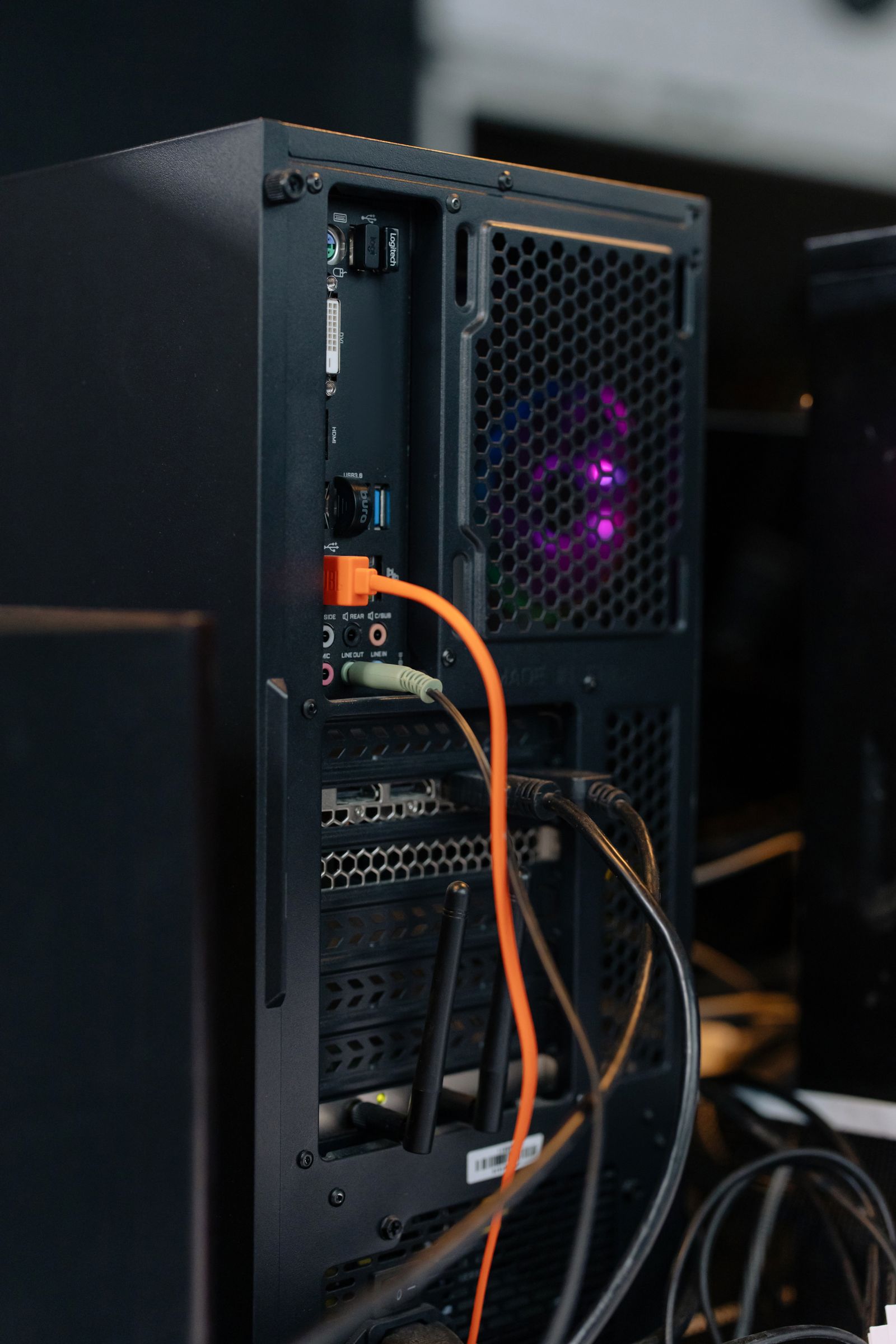
Before choosing a UPS, identify the desktop, monitor, networking and storage loads that truly need battery-backed outlets. Stock photo: cottonbro studio / Pexels.
UPS Battery Backups Compared
Model
Capacity
Battery waveform
Runtime reference
Transfer / power handling
Best fit
APC BR1500MS2
1500VA / 900W
Sine wave
3 min 12 sec at 900W listed by Schneider Electric
Line-interactive AVR; 8 ms typical / 10 ms max transfer
Balanced desktop, monitor and network backup
CyberPower CP1500PFCLCD
1500VA / 1000W
Sine wave
2.5 min full load; 10 min half load
Line-interactive AVR; 4 ms typical transfer; active-PFC compatible
Higher-draw PC or workstation
Eaton SMART1500LCDT
1500VA / 900W
Regulated sine wave
2.3 min at 900W; 10 min half load
Line-interactive AVR; 120V nominal regulation
Workstation and network equipment protection
How the UPS Technology Differs
VA and watts are not interchangeable
All three products carry a 1500VA rating, but that does not mean they support the same real power load. APC and Eaton list 900W maximum output, while CyberPower lists 1000W. For a home-office buyer, the watt figure is the more direct ceiling for the equipment you intend to keep on battery. A 1500VA label does not mean you should attach 1500 watts of computers and monitors.
It is also sensible to leave headroom rather than design a setup that lives at the maximum rating. Desktop power consumption changes with CPU/GPU workload, displays can add meaningful draw, and peripherals may have start-up or transient loads. The UPS LCD or management software can help you see actual load after installation.
Sine-wave output matters most when equipment is sensitive to battery waveform
Each model in this comparison is documented with sine-wave output rather than the lower-cost stepped approximation used by some UPS systems. CyberPower goes further and explicitly identifies the CP1500PFCLCD as compatible with active-PFC power supplies. Modern desktop power supplies commonly use active power-factor correction, so buyers with a performance PC should verify their PSU requirements instead of assuming every UPS waveform is equally suitable.
A sine-wave specification does not prove that one UPS will make a computer run faster or improve normal wall power. Its relevance here is compatibility and power quality while the UPS is actually supplying battery output.
Line-interactive AVR reduces unnecessary battery use
All three systems use line-interactive topology with Automatic Voltage Regulation. In practical terms, AVR can correct certain low- or high-voltage conditions without immediately switching the load to battery. That matters in locations with recurring sags or overvoltage because the battery can remain charged for a real outage rather than cycling for every correctable voltage variation.
APC lists an 88–147V input operating range for BR1500MS2, while CyberPower lists 88–144VAC and single-boost AVR. Eaton states that SMART1500LCDT maintains regulated nominal output through brownouts and overvoltages using AVR. Those figures describe operating behaviour; they should not be interpreted as permission to use the UPS on an incorrectly wired circuit.
Transfer time is only one part of outage behaviour
A line-interactive UPS normally takes a brief interval to switch from utility input to its inverter/battery system. APC specifies 8 ms typical and 10 ms maximum transfer for BR1500MS2. CyberPower specifies 4 ms typical for CP1500PFCLCD. Eaton documents the SMART1500LCDT as a line-interactive UPS intended to keep connected equipment operating long enough for safe shutdown.
A smaller published transfer figure can be attractive for sensitive workstations, but it is not a stand-alone reliability score. Your computer power supply, connected load, battery condition and overall UPS compatibility still matter.
Runtime falls quickly as load rises
UPS runtime is load-dependent, which is why a single “minutes of backup” number can be misleading. APC’s product page shows 3 minutes 12 seconds at the full 900W rated load. CyberPower lists 2.5 minutes at full load and 10 minutes at half load. Eaton lists 2.3 minutes at 900W and 10 minutes at half load.
That is enough to illustrate the core buying lesson: a UPS is normally a bridge through short interruptions and a way to shut equipment down safely during longer outages—not a substitute for a large battery power station. A modest office load consisting of a desktop, one monitor, modem/router and storage device can have substantially more runtime than the maximum-load figures, but the exact result depends on your measured watts.
APC Back-UPS Pro BR1500MS2: Best Balanced Home-Office Pick
The BR1500MS2 is a 1500VA/900W line-interactive UPS built around a straightforward home-office layout. Schneider Electric lists 10 NEMA 5-15R outlets: six combine battery backup and surge protection, while four are surge-only. That lets you reserve battery capacity for the computer, display, router and storage while placing non-critical peripherals on surge-only outlets.
Its battery output is listed as sine wave, and AVR corrects eligible voltage variations without requiring battery operation. The published transfer time is 8 ms typical and 10 ms maximum. APC also lists a 1080-joule surge rating, data-line protection, an LCD with load and battery information, and two smart-charging USB ports using Type-A and Type-C.
Long-term serviceability is a real advantage. Schneider Electric identifies APCRBC163 as the dedicated user-replaceable battery cartridge for BR1500MS2. That means battery aging does not automatically force replacement of the entire UPS chassis. The manufacturer lists a three-year warranty and ENERGY STAR UPS V2.0 qualification.
The main technical limitation versus CyberPower is output headroom: 900W rather than 1000W. For a normal office PC this may be irrelevant, but a high-end desktop plus several displays and accessories can make the extra 100W useful. APC’s full-load runtime reference is 3 minutes 12 seconds at 900W, reinforcing the importance of sizing the unit around the load you actually intend to protect.
Choose APC when: you want a clearly documented 900W sine-wave UPS with a balanced outlet layout, USB-C charging, strong replacement-battery support and simple LCD monitoring.
CyberPower CP1500PFCLCD: Best for High-Output PCs and Active-PFC Power Supplies
The CP1500PFCLCD raises the maximum real-power rating to 1000W while keeping the same 1500VA class. CyberPower explicitly markets it for equipment with active-PFC power supplies and specifies sine-wave output both on AC and on battery. That makes its documentation unusually clear for buyers protecting a performance desktop or workstation.
It also provides the most outlets in this comparison: 12 NEMA 5-15R receptacles, split into six battery-and-surge outlets and six surge-only outlets, with two widely spaced positions for larger plugs. USB-A and USB-C charging ports share a 3.1A charging specification. The typical transfer time is listed at 4 ms, and the unit provides a multifunction LCD.
CyberPower’s surge-suppression figure is 1445 joules, and the UPS includes EMI/RFI filtering plus gigabit-compatible RJ45 network protection. For monitoring and shutdown, it has a HID-compliant USB port and supports PowerPanel Business software; optional RMCARD205 hardware adds remote SNMP/HTTP management for buyers treating a home office more like a small IT environment.
The battery system uses two sealed lead-acid batteries. CyberPower lists user-replaceable cartridges, with the correct replacement part depending on serial-number family. It publishes 2.5 minutes runtime at full load, 10 minutes at half load, and an 8-hour typical recharge time.
Choose CyberPower when: the connected desktop has a higher power ceiling, active-PFC compatibility is a priority, or you want the stronger outlet count, faster listed transfer time and richer management path.
Eaton Tripp Lite SMART1500LCDT: Best Straightforward Workstation Alternative
Eaton’s SMART1500LCDT is another 1500VA/900W line-interactive tower, but it leans toward traditional workstation and small-IT power protection. Eaton documents regulated sine-wave output, AVR for correcting low- and high-voltage conditions without consuming battery capacity, 10 NEMA 5-15R outlets and a front LCD showing voltage, runtime, load and battery information.
The official specifications list 2.3 minutes at the full 900W load and 10 minutes at half load. It uses two replaceable RBC51 VRLA batteries and carries a 650-joule AC suppression rating. The unit is also listed below 36 dB from the front at one metre under Eaton’s stated environmental specification.
Communication is more IT-oriented than a purely basic desktop backup: Eaton documents USB and RS-232 connectivity as well as an EPO port. The product carries CSA certification, UL 1778 certification, FCC Class A compliance and ENERGY STAR certification. Its physical dimensions are about 15.6 inches deep, 8 inches high and 5.75 inches wide, with a listed weight of 25.33 lb.
The trade-off is that the 900W ceiling and 650J surge figure do not lead this group. What Eaton offers instead is a conventional, documented line-interactive architecture with replaceable batteries, AVR, sine-wave output and a 10-minute half-load reference.
Choose Eaton when: you want a traditional workstation-oriented UPS with clear runtime specifications, sine-wave output, AVR and replaceable batteries, without needing CyberPower’s 1000W ceiling.
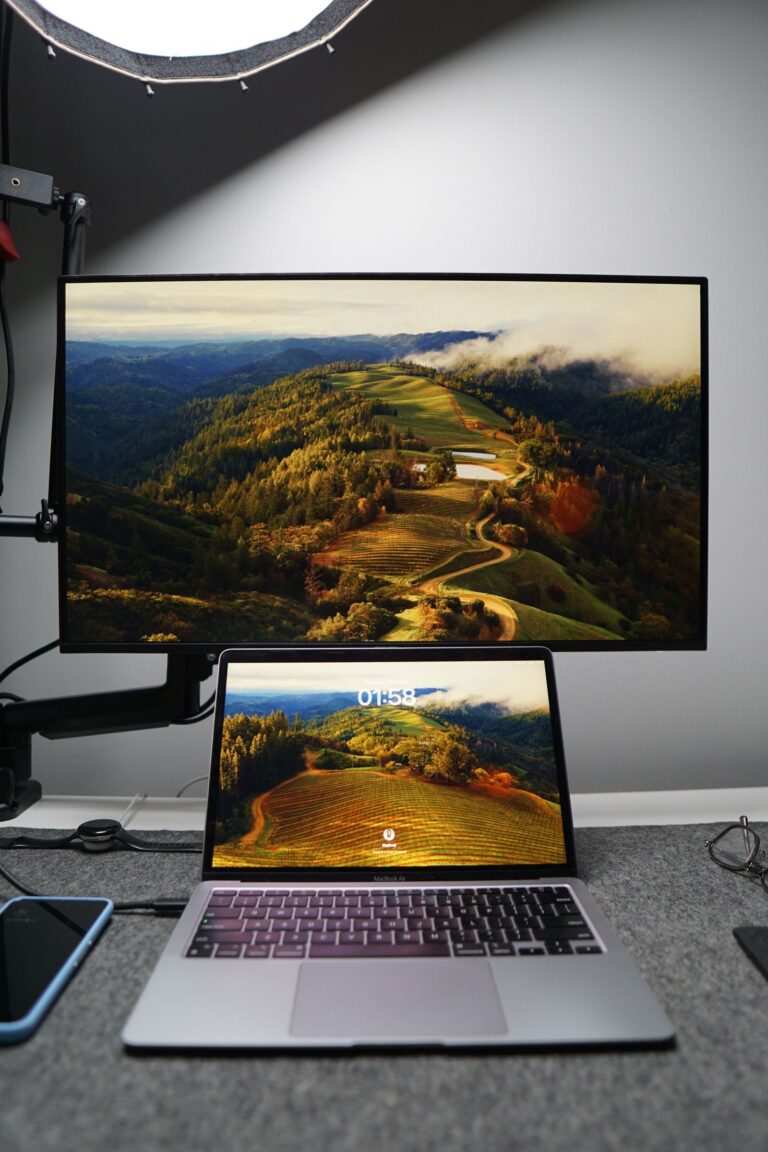
A UPS should be sized around the equipment that actually needs continuity: the computer, essential display, networking and critical storage. Stock photo: Alpha En / Pexels.
Decision Guide: Match the UPS to Your Actual Load
Typical desktop + one or two monitors + router: APC BR1500MS2 offers a balanced 900W ceiling and strong replacement-battery documentation.
High-end desktop or workstation: CyberPower’s 1000W rating provides the most real-power headroom in this group, and its active-PFC compatibility is explicitly documented.
Workstation or small network setup: Eaton SMART1500LCDT provides a conventional 1500VA/900W architecture with USB/serial communications, AVR and replaceable batteries.
Many power adapters: CyberPower provides 12 outlets including two widely spaced receptacles; APC and Eaton provide 10.
Long-term ownership: all three have replaceable battery paths, but verify the exact cartridge for your model and serial number before ordering.
How to Size a UPS for a Home Office
Start with watts, then confirm VA
Add the equipment that genuinely needs battery power: the desktop or mini PC, essential display, modem/router, network switch and critical storage. Do not automatically place speakers, lamps, chargers or printers on battery-backed outlets just because a receptacle is available. Compare that load against both the UPS watt limit and VA rating, then leave practical headroom for transient changes.
Do not put a laser printer on a battery-backed UPS outlet
Laser printers can have large transient power demands when their fuser heats. For a home office, the safer planning approach is to keep high-draw printers off the battery-backed side unless the UPS manufacturer explicitly supports the load. A UPS is better reserved for electronics that need continuity or a controlled shutdown.
Use management software when shutdown matters
A USB connection between the UPS and computer can do more than display battery percentage. Supported shutdown software can tell a computer to close down when an outage lasts beyond a threshold. That is especially useful for an unattended desktop, NAS-adjacent workstation or home server where somebody may not be present to react to an alarm.
Plan for battery aging
These UPS systems use replaceable sealed lead-acid/VRLA battery systems rather than permanent lithium packs. Runtime will not stay identical forever. Periodically check battery status, follow the manufacturer’s replacement procedure and recycle depleted batteries through an appropriate battery-recycling route.
Runtime tables are more useful than headline minutes
If your office load is 250W, a full-load runtime measured near 900W or 1000W does not describe your experience. Use the manufacturer runtime chart or UPS load display to estimate your actual configuration. The goal may be 5–15 minutes for safe shutdown, or longer continuity for low-power networking equipment; those are different sizing problems.
Often, but VA alone is not enough to answer the question. Check the UPS watt limit and the actual load of your computer, monitor and network equipment. The models here are rated at either 900W or 1000W, and the practical runtime depends heavily on how close your setup runs to that ceiling.
What is the difference between a UPS and a surge protector?
A surge protector helps suppress voltage spikes but does not normally keep equipment operating during an outage. A UPS adds a battery/inverter system, allowing connected battery-backed outlets to remain powered briefly and giving equipment time to ride through short interruptions or shut down safely.
Do I need pure or true sine-wave output for a desktop PC?
Many modern desktops use active-PFC power supplies, and a sine-wave UPS is the safer compatibility-oriented choice when the PSU manufacturer expects that waveform. CyberPower explicitly lists CP1500PFCLCD as active-PFC compatible, while APC and Eaton document sine-wave output for the models compared here. Always check the requirements of unusually sensitive equipment.
How long will a 1500VA UPS run my computer?
There is no universal runtime because power draw varies. In this comparison, the manufacturers publish only a few minutes at full rated load and about 10 minutes at half load for CyberPower and Eaton. A lighter office load can run longer, while a workstation near maximum output will run for much less time. Use the manufacturer’s runtime curve and actual load reading.
Why does AVR matter?
Automatic Voltage Regulation lets a line-interactive UPS correct certain brownout or overvoltage conditions without immediately switching to battery. That can reduce unnecessary battery cycling and keep the battery ready for a true outage.
Can I replace the battery instead of replacing the whole UPS?
Yes for all three models in this guide, using the correct manufacturer-supported replacement. APC specifies APCRBC163 for BR1500MS2. CyberPower’s cartridge depends on the unit’s serial-number family. Eaton specifies two RBC51 batteries for SMART1500LCDT. Follow the model-specific replacement and recycling instructions.
What I Would Choose
For a typical Canadian home office, I would choose the APC BR1500MS2. Its 900W ceiling is enough for many desktop-and-monitor setups, the sine-wave line-interactive architecture is easy to understand, the outlet split is practical, and Schneider Electric’s replacement-battery documentation makes the ownership path clear.
I would choose the CyberPower CP1500PFCLCD instead for a higher-output PC or workstation where the 1000W capacity, 4 ms listed transfer time, active-PFC documentation, 12 outlets and management features are useful. The Eaton SMART1500LCDT is the alternative I would consider for a more traditional workstation/network setup where its 900W rating, sine-wave output, AVR, 10-minute half-load reference and replaceable batteries fit the requirement.
Compare Chamberlain myQ Smart Garage Control and Meross MSG100 in Canada by opener compatibility, door sensing, smart-home platforms, installation and everyday control.