Home office document scanners in Canada are worth comparing by more than scan resolution. The real decision is whether you need a tiny single-sheet scanner for receipts and forms, a compact duplex scanner with a small automatic document feeder, or a larger desktop scanner for bigger paperwork batches. This guide compares the Epson WorkForce ES-50, Brother ADS-1300, and Canon imageFORMULA R40.
For a small desk, the Epson ES-50 is the lightest and simplest option. For a balanced home-office setup, the Brother ADS-1300 adds a 20-sheet feeder and single-pass duplex scanning. For a more serious paperwork backlog, the Canon R40 brings a larger feeder and faster batch-scanning role, but it needs more space.
Home office document scanners in Canada: quick answer
Epson WorkForce ES-50
Choose the Epson if you want a USB-powered single-sheet scanner for receipts, forms, ID cards, and occasional documents without giving up much desk or drawer space.
Brother ADS-1300
Choose the Brother if you want a compact desktop scanner with a 20-sheet feeder, USB-C connection, and single-pass double-sided scanning for regular paperwork.
Canon imageFORMULA R40
Choose the Canon if your main problem is stacks of statements, forms, and office documents, and you have enough desk space for a larger sheetfed scanner.
Products compared
Epson WorkForce ES-50
- Amazon.ca ASIN: B07KQZWPYN
- Scanner type: mobile single-sheet document scanner
- Optical resolution: 600 dpi listed by Epson
- Maximum resolution: 1200 dpi listed by Epson
- Paper handling: up to 8.5 × 72 in documents, plus ID cards and receipts
- Power and connection: USB-powered, USB 2.0
Check current details on Amazon.ca
Brother ADS-1300
- Amazon.ca ASIN: B0CYTFGW98
- Scanner type: compact desktop document scanner
- Optical resolution: up to 600 × 600 dpi listed by Brother
- Speed: up to 30 ppm colour or black listed by Brother Canada
- Feeder capacity: 20-sheet automatic document feeder
- Connection: USB Type-C 3.2 Gen 1
Check current details on Amazon.ca
Canon imageFORMULA R40
- Amazon.ca ASIN: B07YNK4S9Y
- Scanner type: office sheetfed document scanner
- Optical resolution: 600 dpi listed by Canon
- Feeder capacity: up to 60 sheets listed by Canon
- Document size: up to 8.5 in wide, long document mode up to 118 in
- Connection: USB 2.0
Check current details on Amazon.ca
Compact comparison table
| Product | Best fit | Feeder setup | Duplex support | Connection | Watch for |
|---|---|---|---|---|---|
| Epson WorkForce ES-50 | Occasional scanning, receipts, forms, travel, and tiny desks | Single-sheet feed | Single-sided scanning path | USB-powered USB 2.0 | Not ideal for stacks of mixed paperwork |
| Brother ADS-1300 | Regular home-office scanning without a large machine | 20-sheet automatic document feeder | Single-pass double-sided scanning | USB Type-C 3.2 Gen 1 | USB-focused setup; check whether your computer needs an adapter |
| Canon imageFORMULA R40 | Higher-volume home office paperwork and larger batches | Up to 60-sheet feeder listed by Canon | Duplex document scanning | USB 2.0 | Larger footprint; better for a dedicated scanner spot |
Where these document scanners differ
Portability versus batch scanning
The Epson ES-50 is the smallest option because it feeds one sheet at a time and runs from USB. That is useful if you scan a receipt, a form, or an ID card once in a while. The Brother ADS-1300 and Canon R40 are better if you want to place multiple pages in a feeder and move through paperwork more quickly.
Single-sided versus double-sided documents
For one-page forms, the Epson approach is enough. For bank statements, leases, tax documents, and multi-page records, single-pass duplex scanning on the Brother and Canon can matter. It reduces the chance of missing the back side of a document and keeps multi-page files easier to organize.
Desk footprint
The Epson is easy to store because it is a slim portable scanner. The Brother is still compact, but it becomes a real desktop tool with a feeder. The Canon asks for the most dedicated space, so it makes more sense if you have a home office desk, filing area, or paperwork station.
Software and workflow
Specs like dpi and page speed are only part of the decision. Check whether the included software supports your computer, whether you prefer searchable PDFs, and whether you need receipt, ID card, or long-document handling. A scanner that matches your filing routine is usually more useful than one with the largest spec sheet.
Product breakdowns
Epson WorkForce ES-50
The Epson WorkForce ES-50 is the minimalist option in this comparison. Epson lists it as a mobile, sheet-fed scanner with 600 dpi optical resolution, 1200 dpi maximum resolution, 16-bit colour input, a colour CIS sensor, and USB power. Amazon.ca lists a 268 g item weight and a single-sheet capacity.
This makes the ES-50 a sensible choice for a small apartment desk, shared workspace, or paperwork drawer. It can handle long documents, receipts, and ID cards according to Epson’s listed paper-handling notes, but it is not built around batch scanning. You feed one item at a time and keep the setup simple.
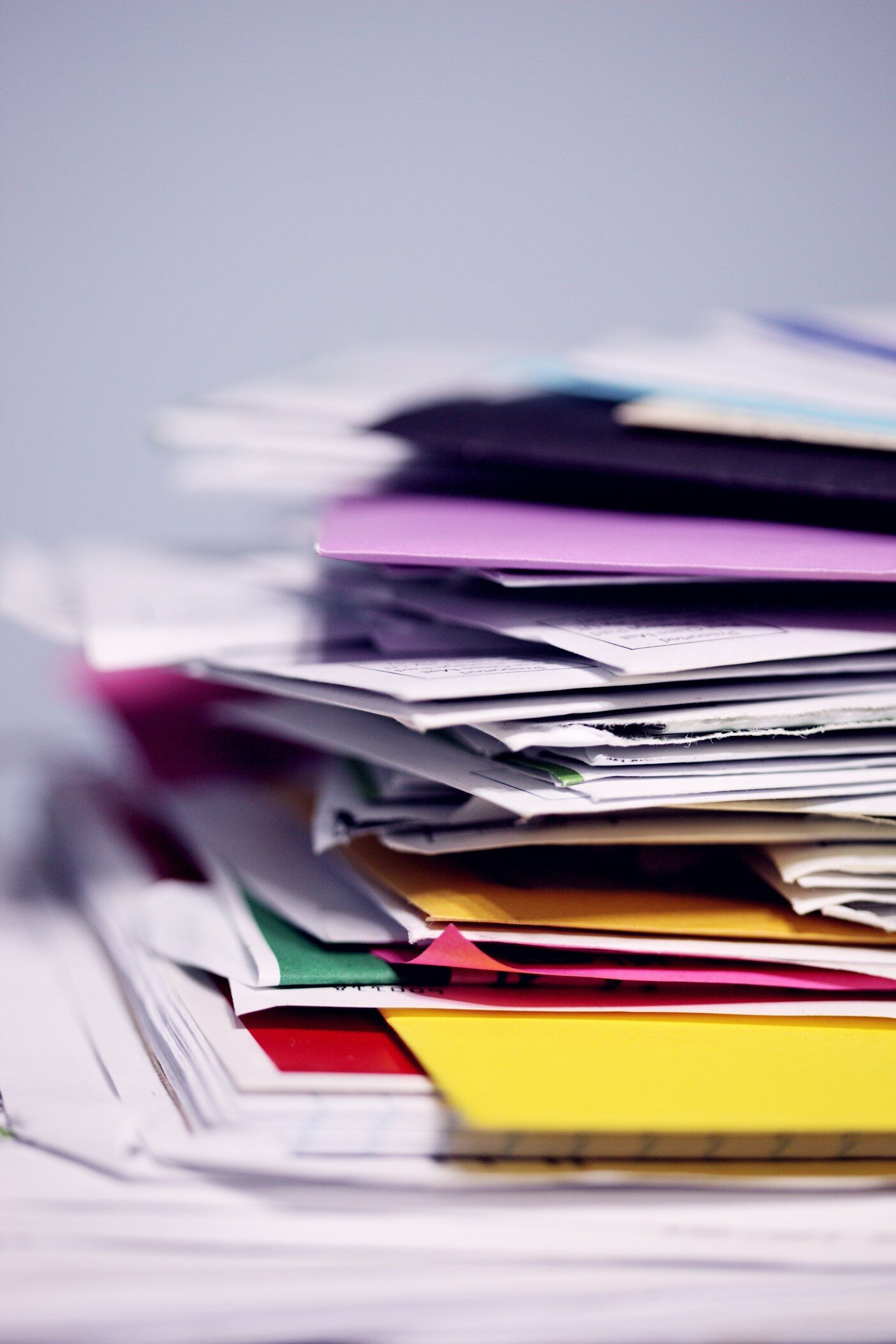
The limitation is obvious in a good way: it is not trying to be a paper-processing station. If you have stacks of old tax records, rental forms, school papers, or client files, a feeder-based model will be easier. But if your main goal is to digitize occasional documents without owning a larger device, the Epson is the cleanest fit.
Check current details on Amazon.ca
Brother ADS-1300
The Brother ADS-1300 is the most balanced home-office scanner here. Brother Canada lists USB Type-C 3.2 Gen 1 connectivity, up to 30 ppm colour or black scanning speed, and a 20-sheet paper capacity. Brother’s specification material also lists single-pass double-sided scanning and a compact desktop design.
That combination is useful for households that scan regularly but do not want a large office machine. The 20-sheet feeder gives you enough capacity for forms, receipts, letters, and small document batches, while duplex scanning matters for paperwork that has information on both sides. It is also the better middle ground if you scan more often than the Epson user but less heavily than a small business with constant files.
The main thing to check is connectivity and accessories. The ADS-1300 is USB-focused. If your laptop has only USB-A or you want a different power setup, confirm what is included and whether Brother’s optional accessories make sense for your computer.
Check current details on Amazon.ca
Canon imageFORMULA R40
The Canon imageFORMULA R40 is the most batch-oriented scanner in this group. Canon’s official support page lists automatic or manual feeding, 600 dpi optical resolution, RGB LED light source, one-line CIS scanning element, document width from 2 to 8.5 inches, regular document length up to 14 inches, and long document mode up to 118 inches. Canon also lists feeder capacity up to 60 sheets.
That makes the R40 more suitable for a dedicated paperwork station. It is not the scanner I would choose for a tiny desk or occasional receipts. It makes more sense for a household that wants to digitize a backlog, organize business paperwork, or keep up with frequent multi-page documents.
The trade-off is space and simplicity. The R40 is the largest option here and uses a USB 2.0 connection. If you have room and want capacity, it is the practical high-volume pick. If you mostly scan a few pages at a time, the Brother is probably easier to live with.
Check current details on Amazon.ca
Decision guide
Epson WorkForce ES-50
Pick Epson if you want a small USB-powered scanner for occasional paperwork and do not need an automatic document feeder.
Brother ADS-1300
Pick Brother if you want the best balance of compact size, 20-sheet ADF, USB-C setup, and single-pass duplex scanning.
Canon imageFORMULA R40
Pick Canon if you have the desk space and want a larger feeder for scanning more pages in one session.
Buying advice before choosing a home office scanner
- Start with page volume. If you scan one page at a time, a portable model is enough. If you scan stacks, choose an ADF model.
- Check duplex needs. Double-sided paperwork is easier with single-pass duplex scanning.
- Measure the real desk space. Feeders and paper output need room, not just the scanner body.
- Confirm software support. Check Windows, macOS, and driver support before buying, especially if your computer is new or older.
- Think about receipts and cards. Plastic cards, long receipts, and thin paper can be harder than standard letter-size pages.
FAQ
Are home office document scanners in Canada better than an all-in-one printer scanner?
A dedicated sheetfed scanner can be better for paperwork because it is usually faster for multi-page documents and can support feeder-based workflows. An all-in-one printer may still be fine for occasional single pages or photo-style flatbed scanning.
Do I need duplex scanning?
If you regularly scan statements, forms, records, contracts, or school papers with information on both sides, duplex scanning is worth prioritizing. If most items are one-sided receipts or single forms, a simpler scanner may be enough.
Which scanner is best for receipts?
The Epson ES-50 can make sense for occasional receipts and portable use. The Brother ADS-1300 is better if receipts are part of a broader mix of documents. The Canon R40 is more about larger document batches than small casual receipt scanning.
Should I choose Wi-Fi or USB?
USB is often simpler for a fixed home-office computer because the connection is direct. Wi-Fi can be useful if multiple devices need access, but it can also add setup steps. In this comparison, the selected Epson, Brother, and Canon paths are mainly chosen for direct document-scanning workflows.
What I would choose
For most households comparing home office document scanners in Canada, I would start with the Brother ADS-1300. It is compact enough for a home office but still gives you a 20-sheet feeder and single-pass double-sided scanning.
If I only scanned a receipt or form once in a while, I would choose the Epson WorkForce ES-50. If the job is a bigger paper backlog and the scanner can stay on a desk, the Canon imageFORMULA R40 is the stronger batch-scanning choice.
Sources and method
This guide compares Amazon.ca product identities, official specifications, support materials, feeder capacity, scanner type, resolution, paper handling, connection method, and practical home-office fit. Product listings and included accessories can change, so confirm the exact listing before ordering.
- Epson WorkForce ES-50 on Amazon.ca
- Brother ADS-1300 on Amazon.ca
- Canon imageFORMULA R40 on Amazon.ca
- Epson WorkForce ES-50 specifications
- Brother ADS-1300 specifications
- Brother ADS-1300 scanner specifications support page
- Canon imageFORMULA R40 specifications
- Scanner context image by Olena Kholina on Unsplash
- Paperwork image by Wesley Tingey on Unsplash
- How Hamejur compares products and Hamejur Editorial Policy
The visual examples in this guide are contextual images used to illustrate home-office setup and paperwork considerations; they are not official product photos.